True scale and measuring
See every object at its true size
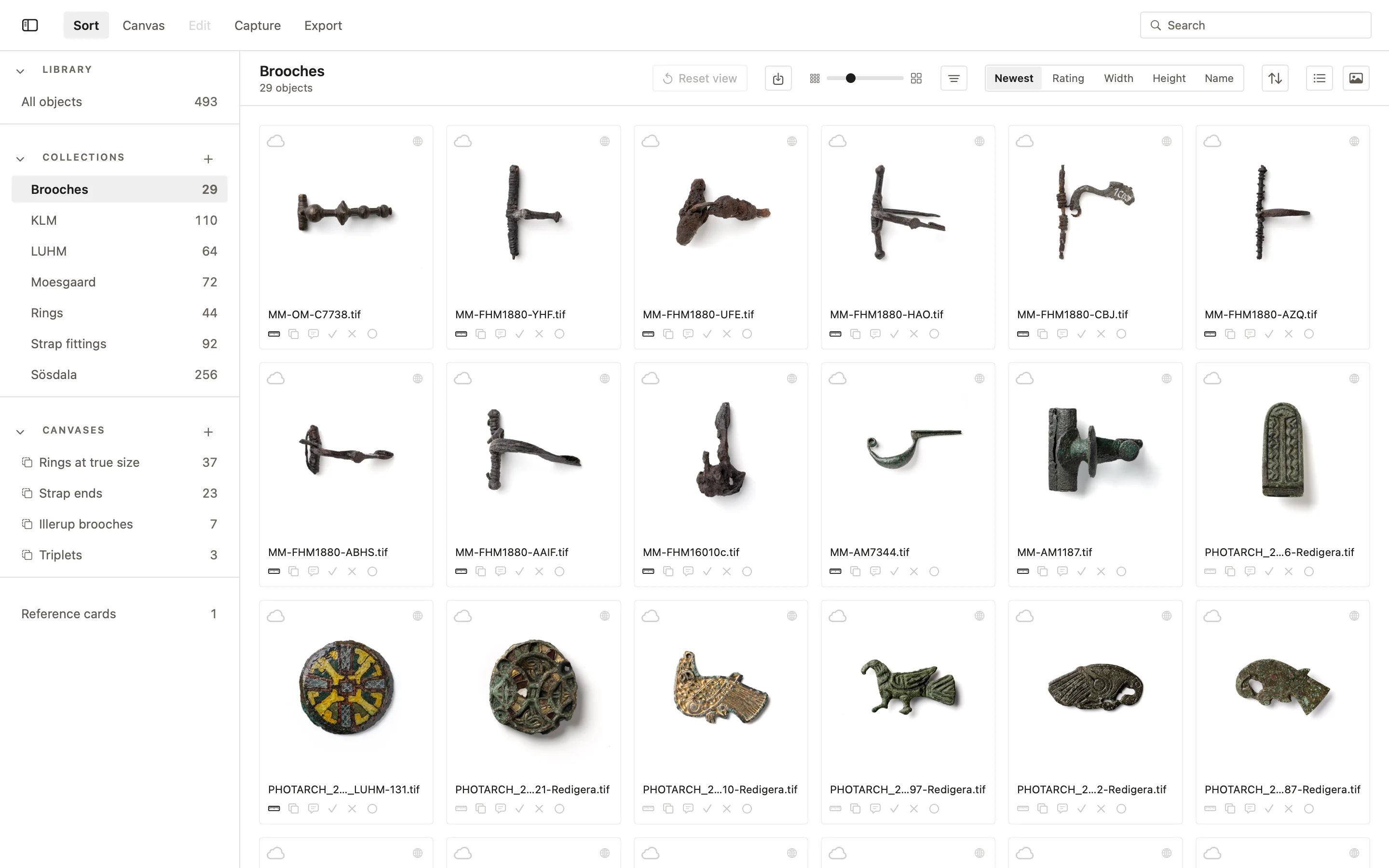
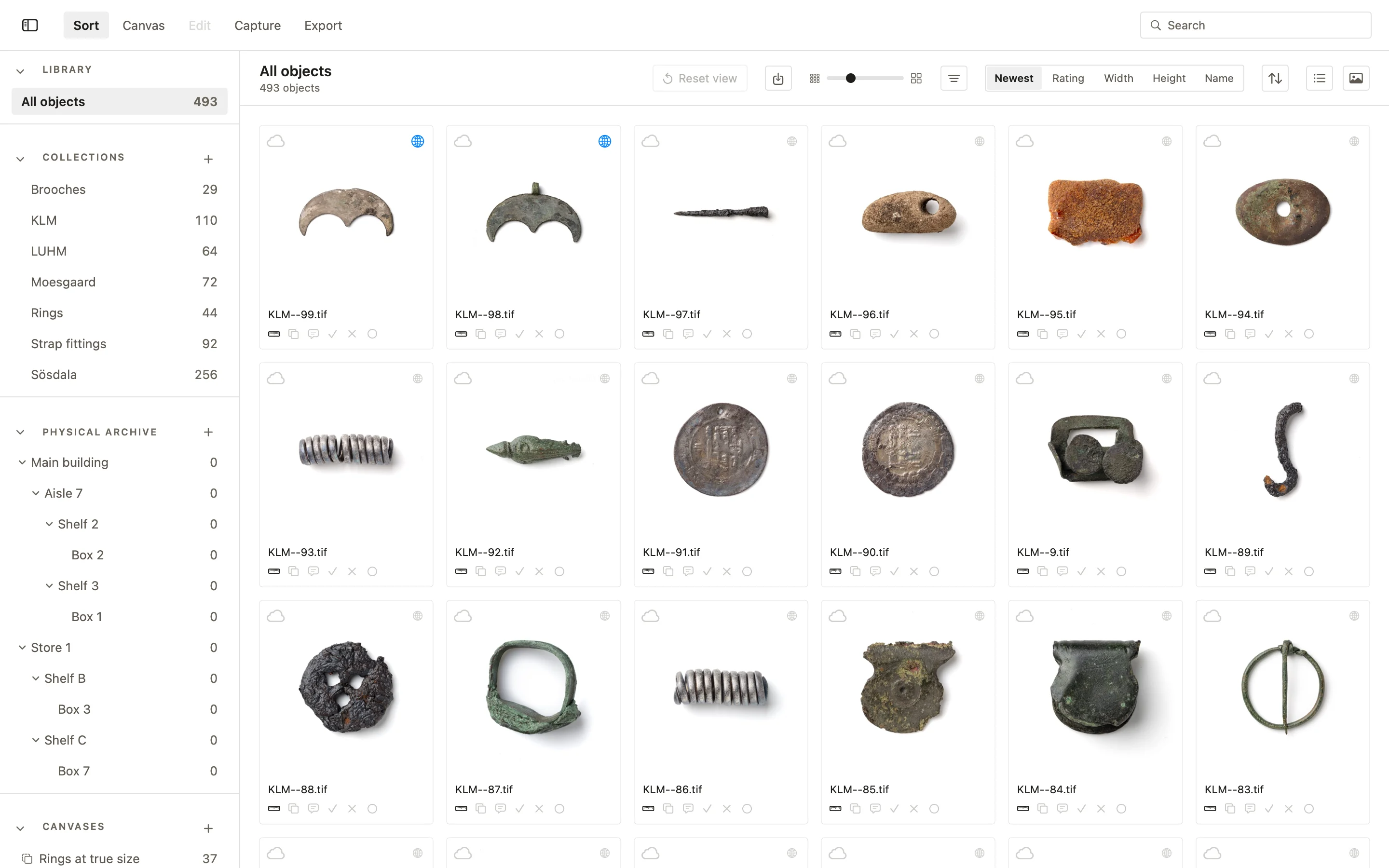
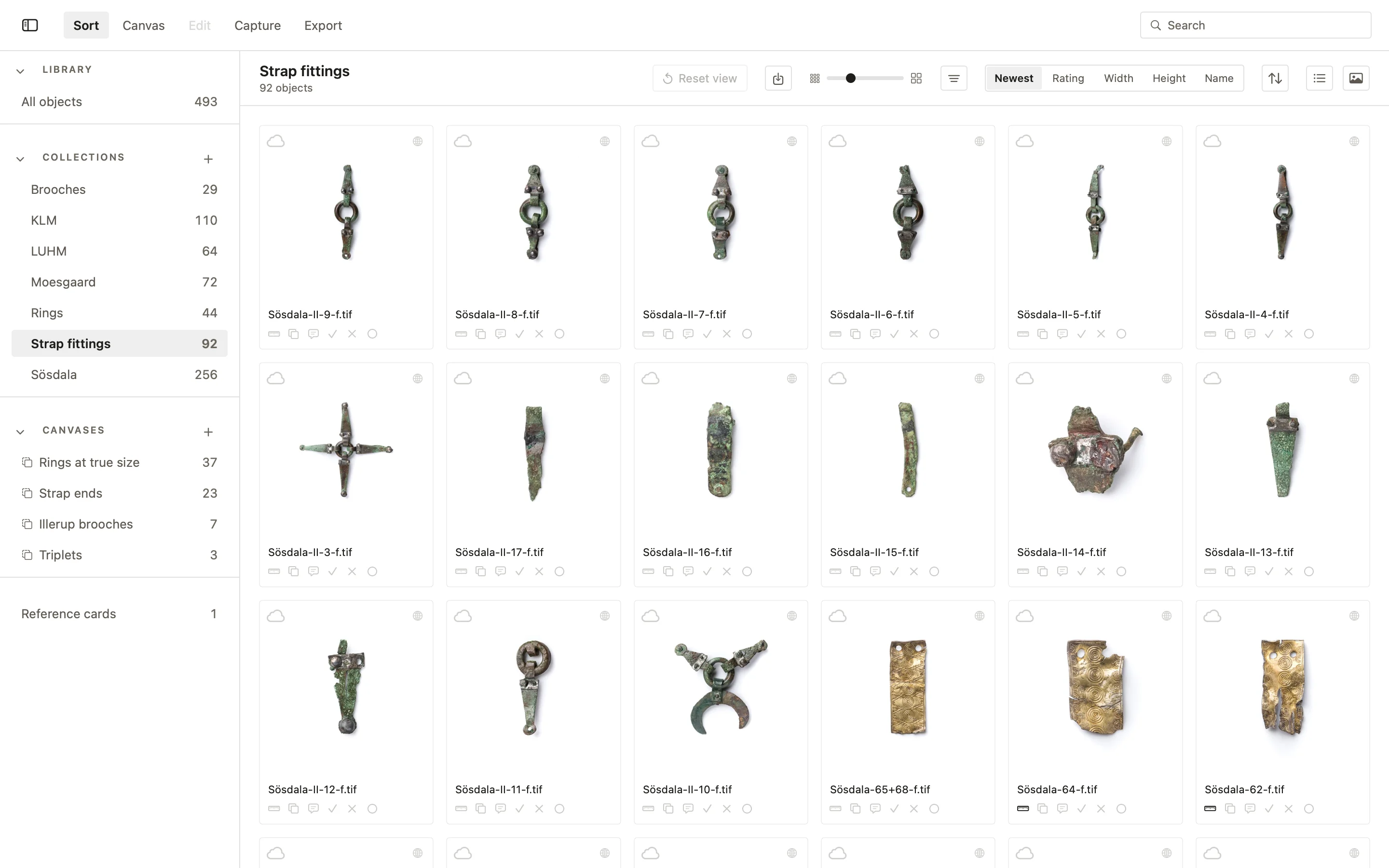
Every object in the PHOTARCH app carries its scale and its real size in millimetres, so any object can be laid beside any other, from one drawer or from a dozen collections. The scale is written into the file with the record, so it travels with the picture.
Sorted by size, not by thumbnail
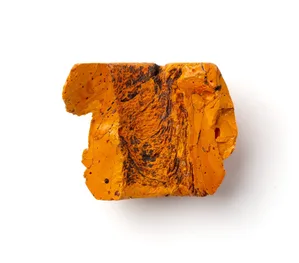
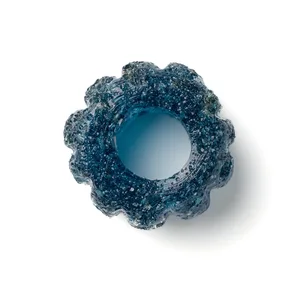
Most databases show every object in a square of the same size, so a bead and a sword look alike. View at scale shows the objects at their true size relative to one another, with a scale bar. A canvas does the same with the objects you choose: lay them out at their real size, turn them, annotate and measure them, and save the canvas as a PDF at true scale, to print or to share. Material from several organisations can be compared at one scale.
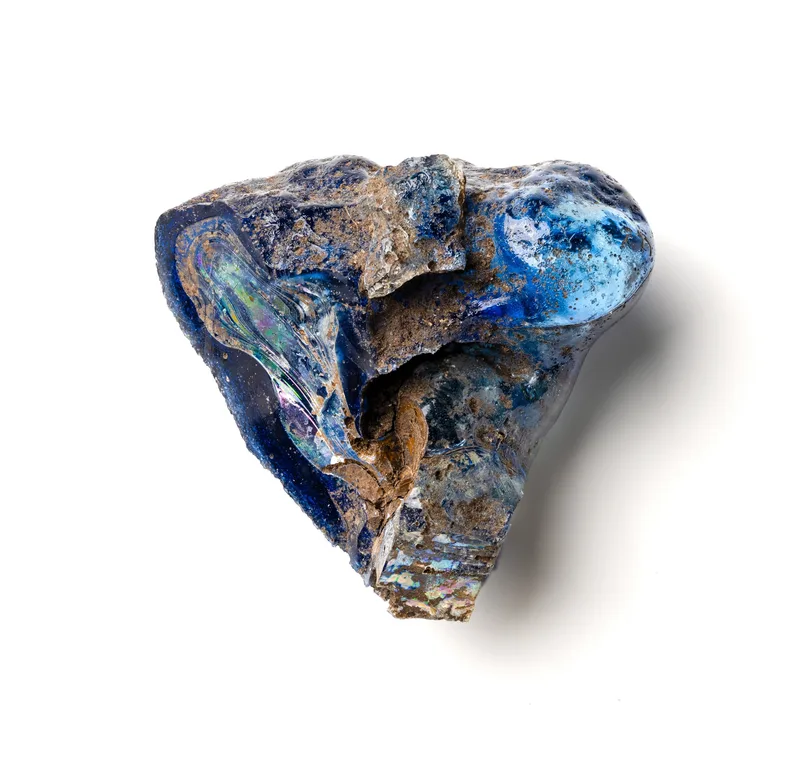
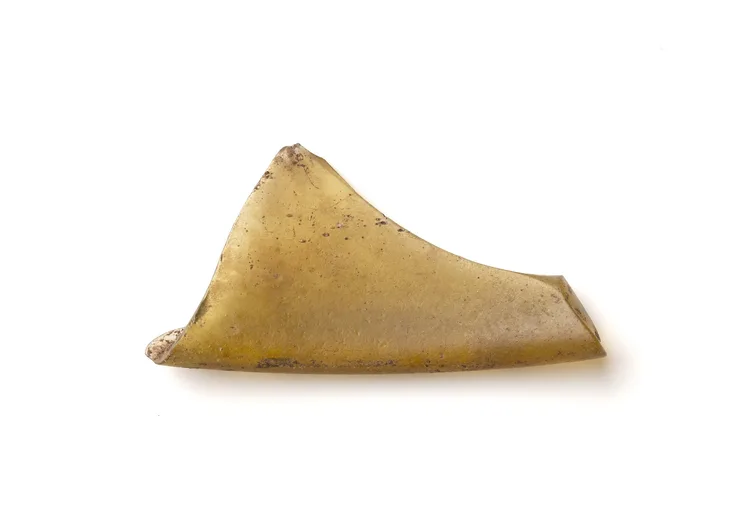
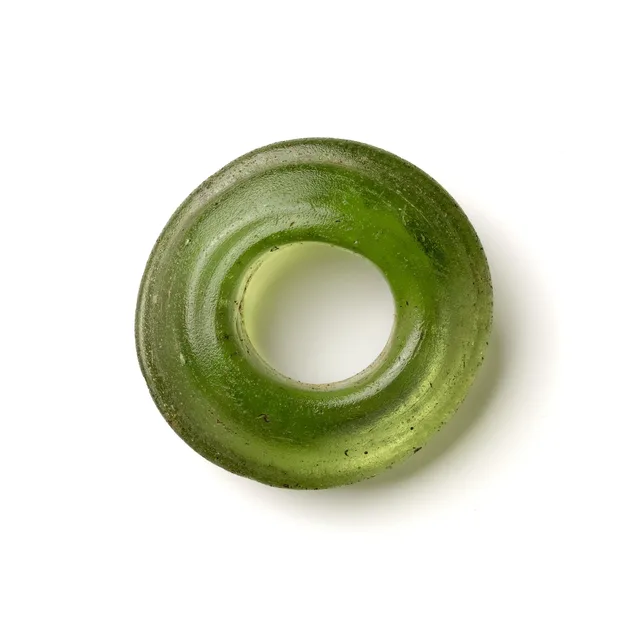
Measured, not guessed
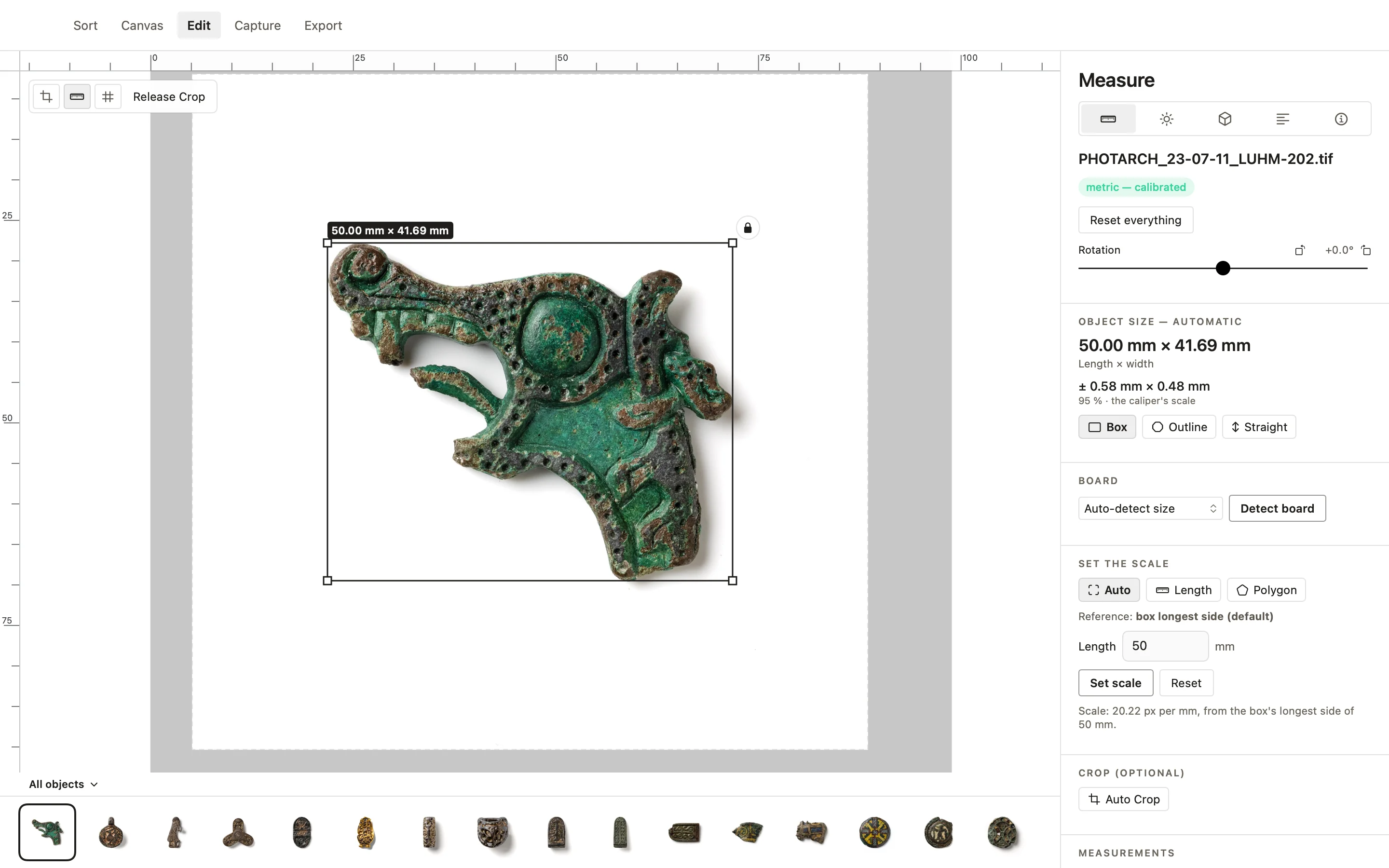
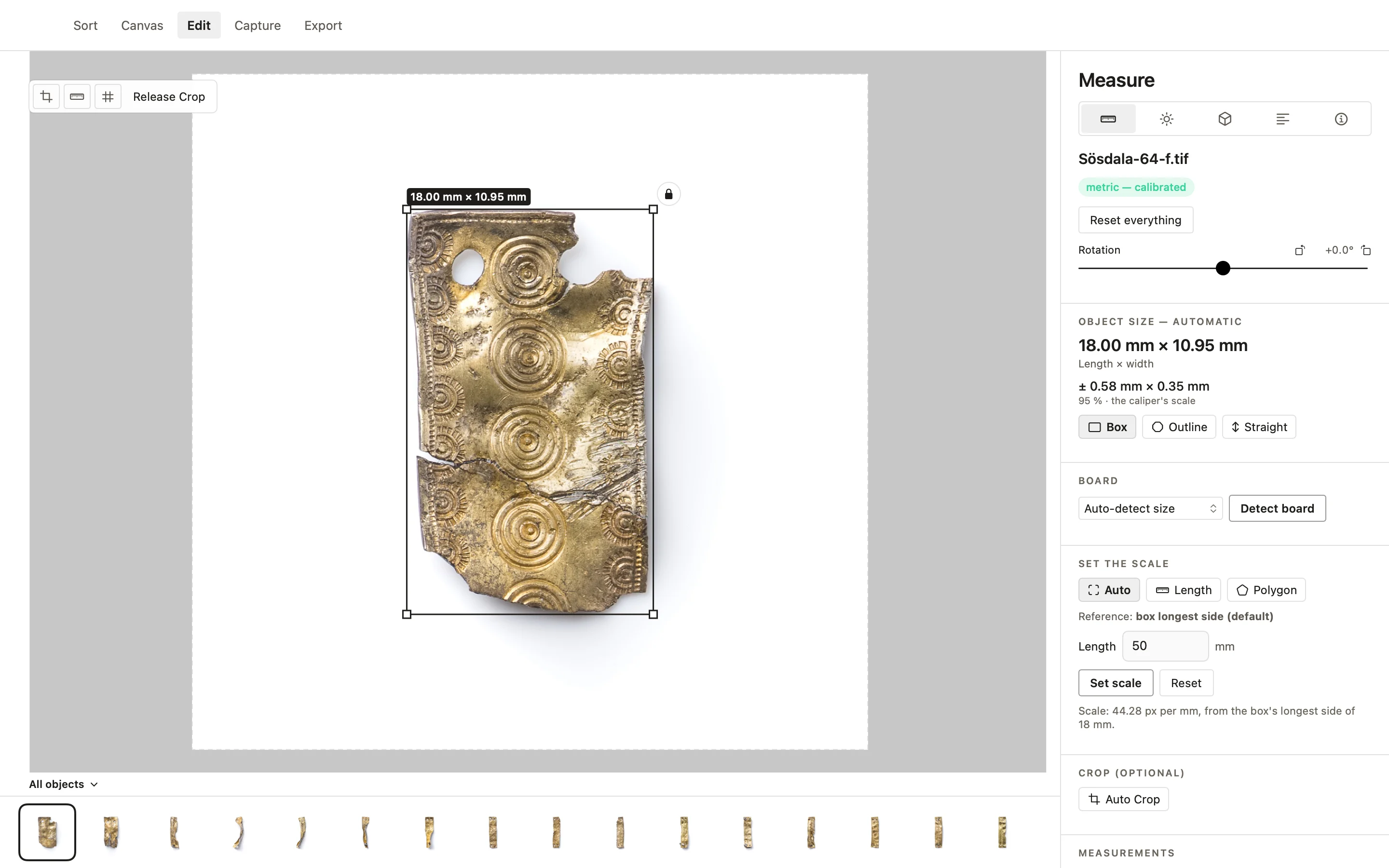
Scale comes from the object’s longest side, measured with a digital caliper and drawn along in the picture, or read from a ruler in the frame when there is no caliper at hand. From it follow millimetres per pixel, the object’s box and area, and its size. PHOTARCH Adjust then turns the object square, takes the ground to white and crops the picture to 1:1 in one press. Every picture is told what it is fit for, a record shot, a study or a reproduction, and what keeps it from the next.
Calibrated with the PHOTARCH board
The calibrated alternative to the caliper. Lay the object on the PHOTARCH board and the app finds the markers in its corners. They lie in the object’s own plane, so the scale is read and the perspective corrected in one step. No board yet? Print the marker sheet from the app on any printer, check it against the control ruler printed on it, and Detect board uses it as a board of your own. With loose markers beside the object, the scale is read straight off the markers too.
More in the PHOTARCH app
Try it on your own collection
Free to start · macOS